New! 2/6/2013
- Version 3.03 released!
Download
Read More
There are a number of VB .NET –> C# converters out there, but we ultimately decided to use the VBConversions VB .NET to C# Converter because it offered the fastest, easiest, and highest quality conversion of any of the tools that we evaluated.
Jess Taber -
recent post on GeeksWithBlogs |
|
|
We intensively tested 6 products...this is absolutely the best tool for the job.
Mike Kelly, Sr. Developer
The Select Group
|
|
|
I would like to commend your company on your excellent service. Your turnaround time for responses are so appreciated. We have and will recommend your product and company to any shop dealing with converting VB.net to C#.
Dr. Curtis Mitchell
CRM Solutions Inc., Longwood Florida
|
I've used your VB.Net to C#
Converter product since 2005 and find it to be one of the best software
investments I've ever made.
Keep up the good work.
James Betts
Intrust Bank, Wichita, KS
|
I recently needed to convert
about 6000 lines of code. I purchased this converter and I can say that it is a great tool. Even though I used this tool only once, it was well spent money.
Keep up the good work.
Mensud Basic
|
Convert VB to C#
Are you ready to
convert your VB code to C#? All versions of Visual
Basic.Net are supported: 2003, 2005, 2008, 2010, 2012 as well as all
project types (Win Forms, Web, Class Library, Compact Framework, Silverlight, etc.).
There is support for the latest VB.Net
language features,
including VB2012 await/async support, VB2010 enhancements like Implicit Line Continuation and Multiline Lambdas, and VB2008 features such as LINQ and inline XML.
Download the trial edition for free and
check it out. There is absolutely no hassle or nagging emails and no
registration is required.
Key Features
- Support for the latest Visual Studio features - The latest VB.Net
/ C# features are
supported, including Await/Async, Implicit Line Continuation, Multiline Lambdas, Nullable
Optional Parameters, LINQ, XML, WPF, Lambda expressions, and extension
methods.
- Support for All Project Types - Win Forms, Web, Class Library,
Compact Framework, Console, etc.
- High Accuracy - This release was
stress tested on thousands of sample programs.
Tested were hundreds of Microsoft sample projects (Visual Studio SDK
samples, DirectX SDK projects,
Windows 7 SDK samples, etc.), in house and customer projects,
third party control samples (Infragistics, ComponentOne, Telerik, etc.), and open source projects
from SourceForge and CodePlex.
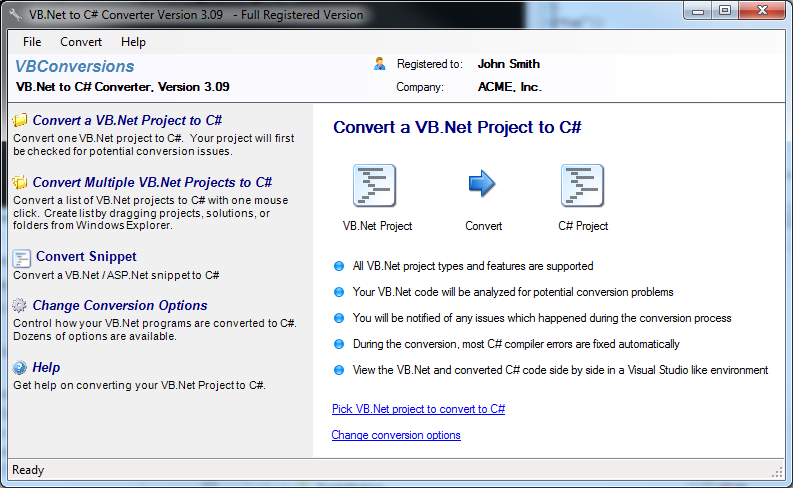
- Ease of Use - While the conversion logic itself is complex, using the converter isn't. You are guided through each
step of the process with easy, clear instructions.
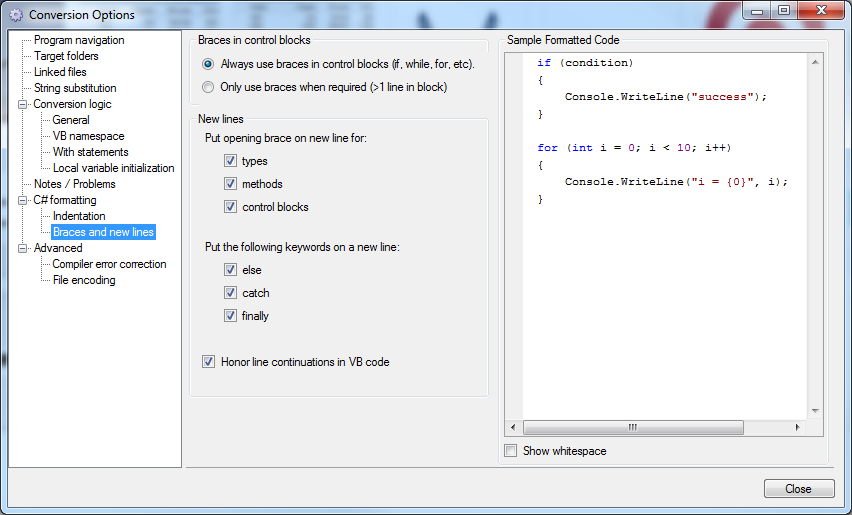
- Customization - Not every project is the same. With dozens
of conversion options to choose from, you are in control of the conversion
process.
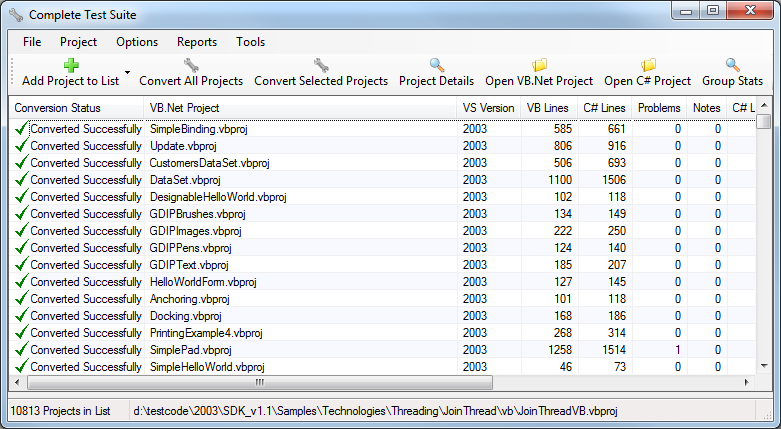
- Convert Single Projects or Groups of Projects - You can create
lists of programs and convert them with one click. There's also a
command line version included.
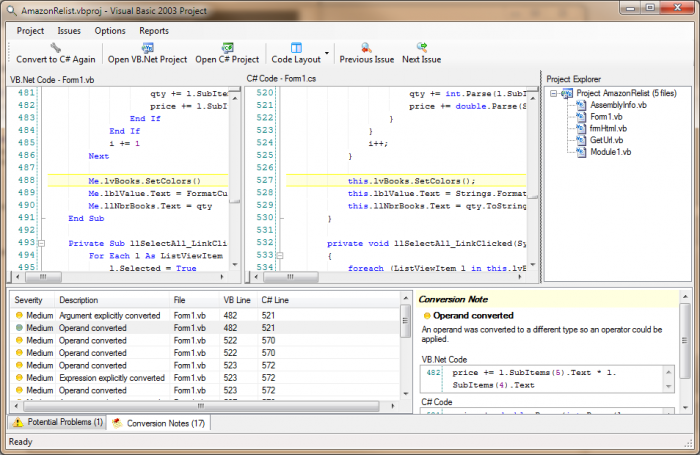
- Comprehensive Reporting - There are reports showing potential
trouble spots in your code, interesting things which happened during the
conversion process, and any C# compiler errors which need to be fixed.
The 5 Million Line Test
Conversion Samples:
There is now full support for the latest features
(LINQ, XML Literals, Code Holes, etc). Check out the samples below:
Built in
VB functions are automatically converted to their .Net equivalents
(this can be turned off if desired):
| VB.Net |
|
MsgBox(UCase(s)) |
|
| C# |
|
MessageBox.Show(s.ToUpper()); |
Unnecessary ByRef Parameters (common in upgraded VB6
projects) automatically changed to value parameters
(this can optionally be disabled).
| VB.Net |
|
Dim
a = f1(3)
Function
f1(ByRef arg1 As
Integer) As
Integer |
|
| C# |
|
var
a = f1(3);
public
int f1(int arg1) |
LINQ Query sample - notice how the converter
automatically switches between query syntax and function syntax as required (C#
LINQ syntax is more strict than VB):
| VB.Net |
| Dim a =
From c
In customers
Select c
Distinct
Order
By c |
|
| C# |
| var a = (from
c in customers
select
c).Distinct().OrderBy(c => c); |
LINQ Aggregate query sample:
| VB.Net |
| Dim b =
Aggregate c
In customers
Into Count() |
|
| C# |
| var b = (from
c in customers
select c).Count(); |
XML Literals:
| VB.Net |
| Dim d =
<customer>Smith
Hardware</customer> |
|
| C# |
| var d =
System.Xml.Linq.XElement.Parse("<customer>Smith
Hardware</customer>"); |
"Code Holes" in XML Literals:
| VB.Net |
| Dim e =
<customer><%=
Left(customers(0), 10) %></customer> |
|
| C# |
| var e =
System.Xml.Linq.XElement.Parse("<customer>"
+ customers[0].Substring(0, 10) +
"</customer>"); |
Of course, this is a small sample of what the VBConversions VB.Net to C# Converter can do. Download the trial edition and see how well it does on your code! There is no obligation and no
registration required.
Download Now...
Purchase...
|